Start with a complete booking.
Record the sender, receiver, freight, service and billing account before the job reaches dispatch. Required weights and other configured booking details help stop incomplete work entering the operation.
Use your network and rate cards to calculate the freight, fuel and conditional surcharges that apply, with the breakdown kept against the consignment.
See consignment booking and pricing →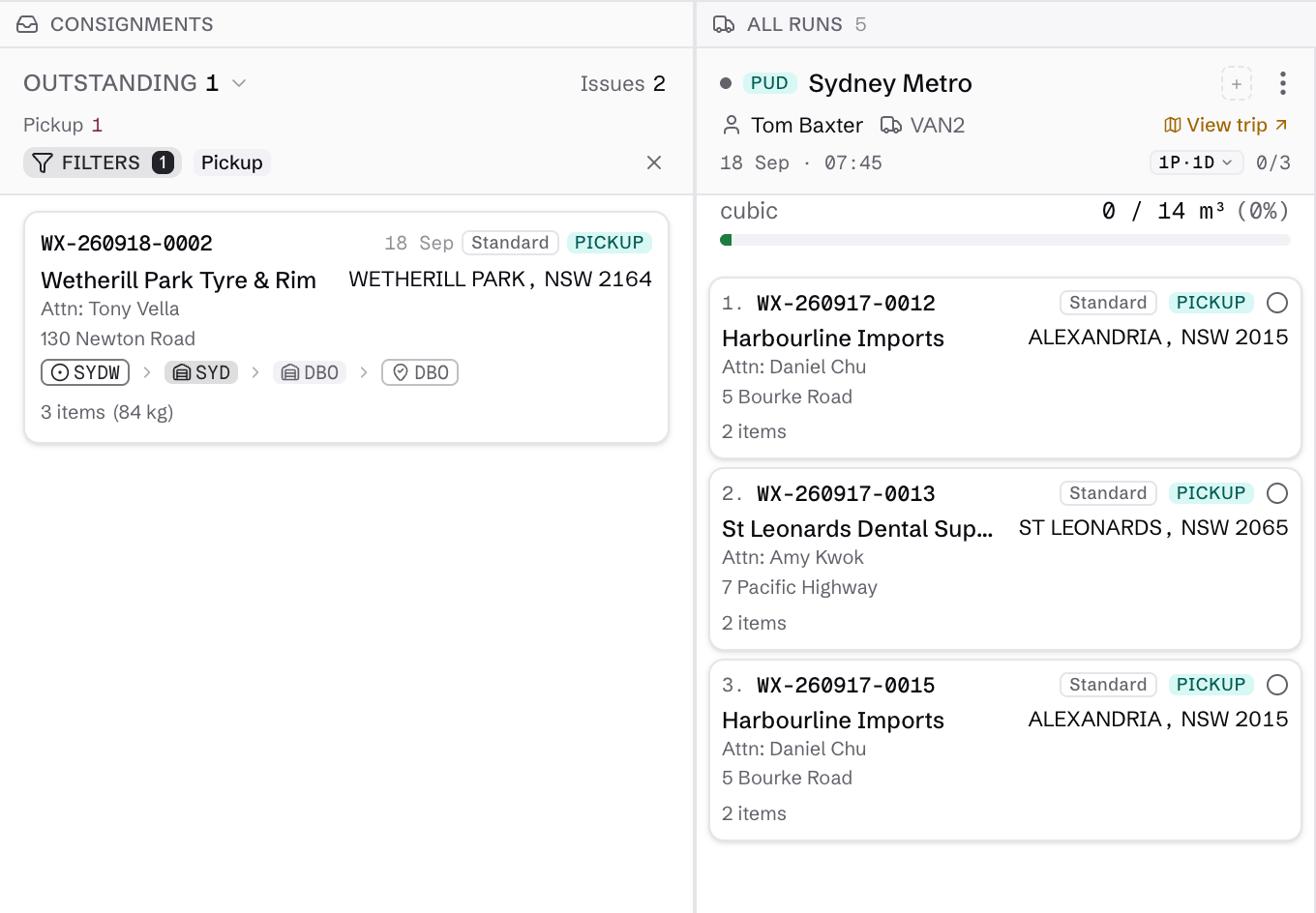
Move freight with an item-level record.
Give depot and field teams the jobs and stops they need to work through. Scan each item at pickup, sorting and delivery so partial freight remains visible instead of being marked complete with the rest.
Configured checks can warn or block a scan when freight is in the wrong location or is not ready for the next movement.
Explore mobile scanning and delivery →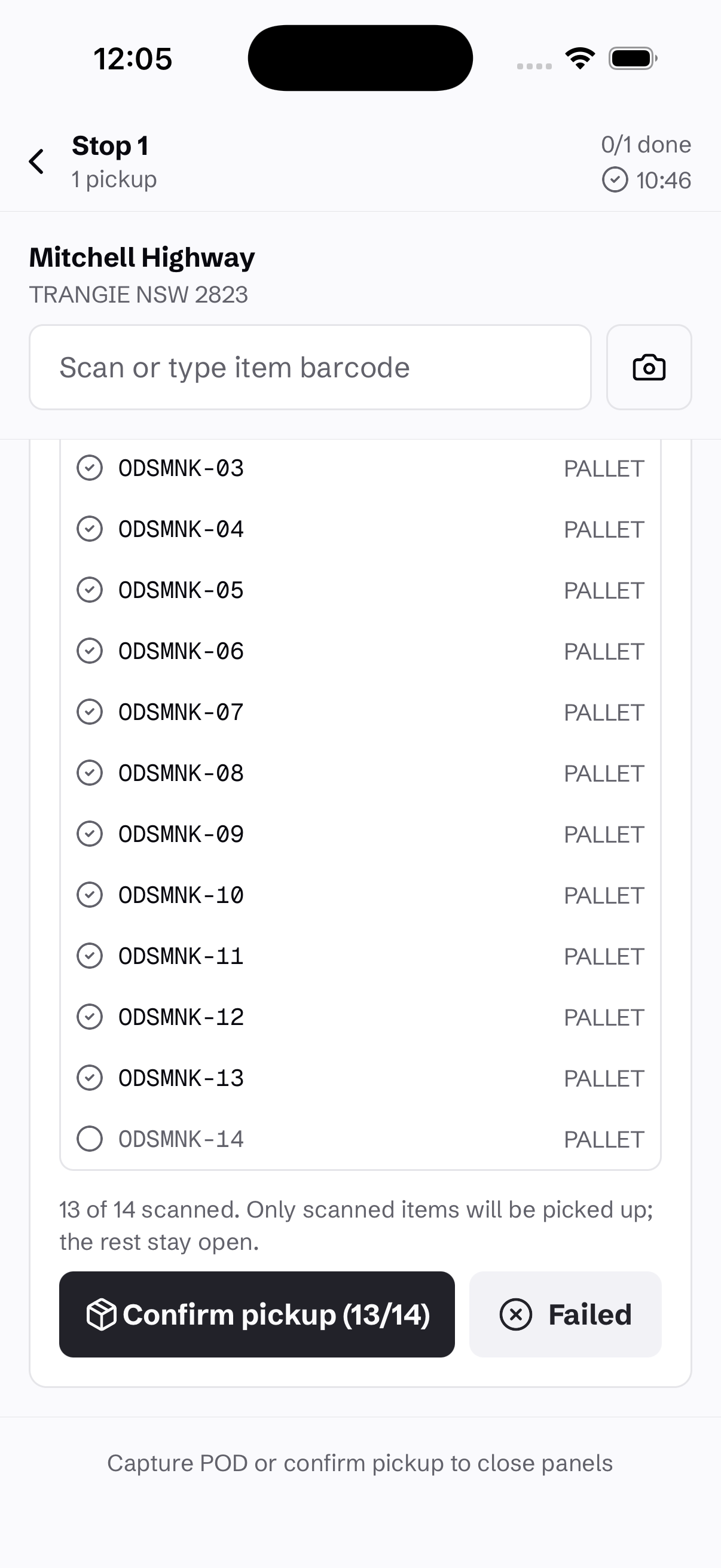
Give customers the delivery answer.
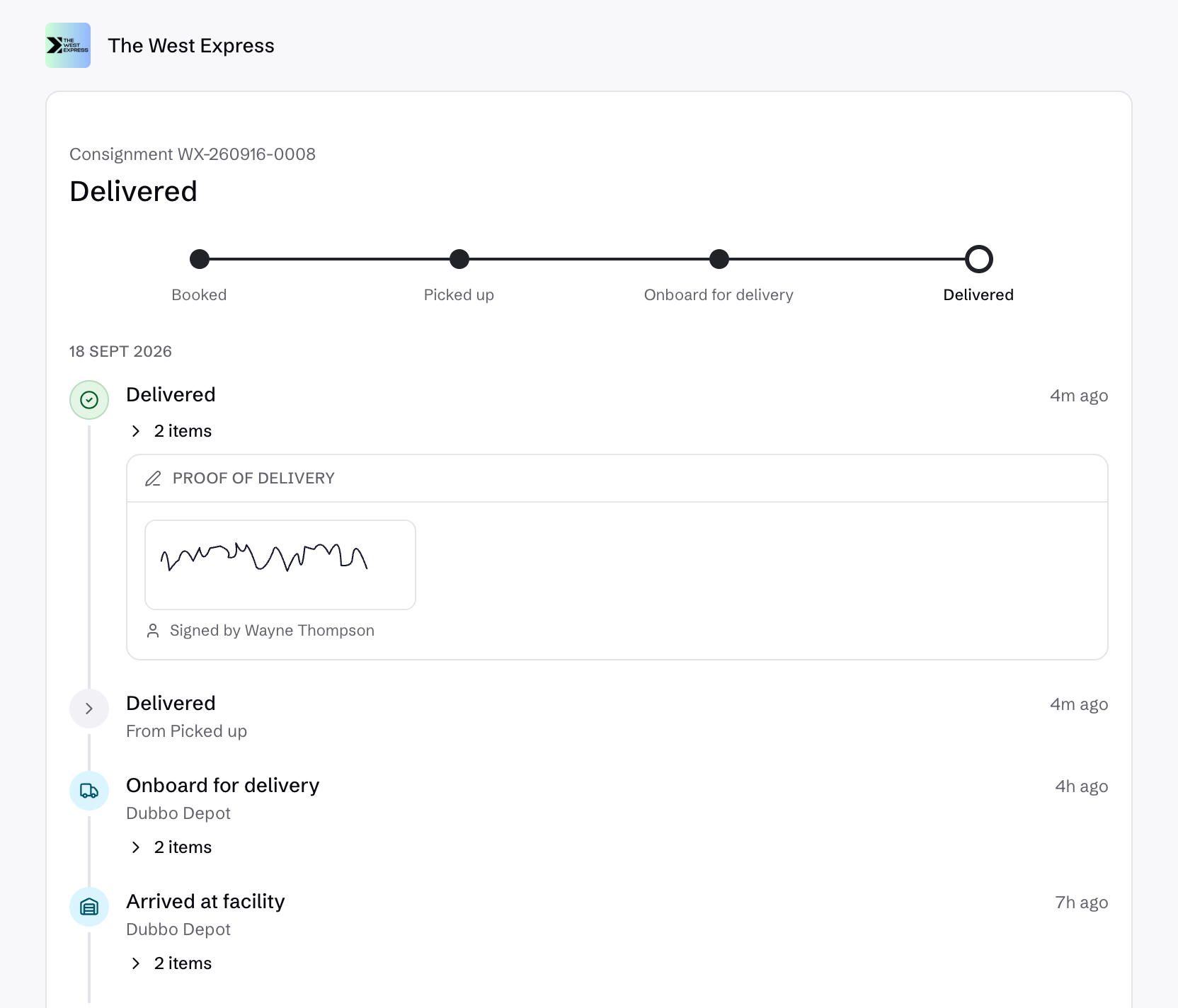
Send pickup, onboard-for-delivery and attempted-delivery updates with a direct tracking link. Once proof of delivery is recorded, the signature and event history are available with the consignment.
The same freight record supports invoice review, so the office can move from a customer question to the delivery and charge detail without reconciling separate systems.
See customer freight tracking →See freight invoicing →