
Set the booking permissions.
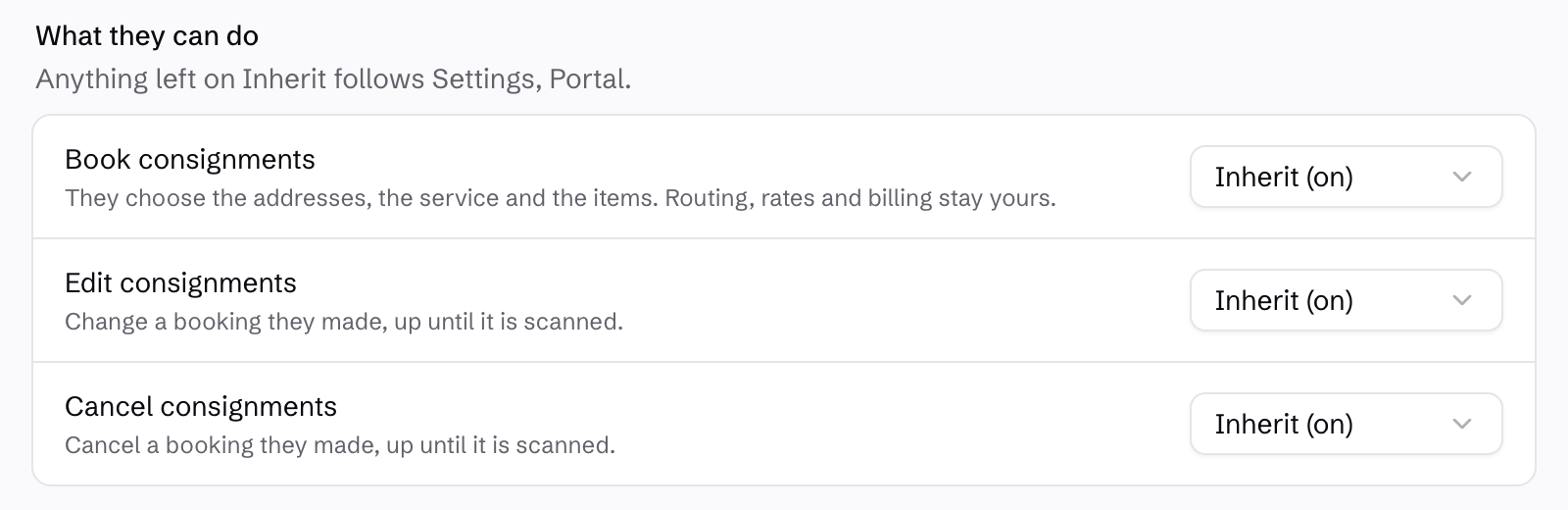
Manage portal access from the customer record. Choose whether customers can book, edit or cancel their consignments, using the organisation defaults or customer-specific settings.
Editing and cancellation apply to eligible bookings before they are scanned. Review the permissions as part of setting up each customer.
Bill another account with permission.
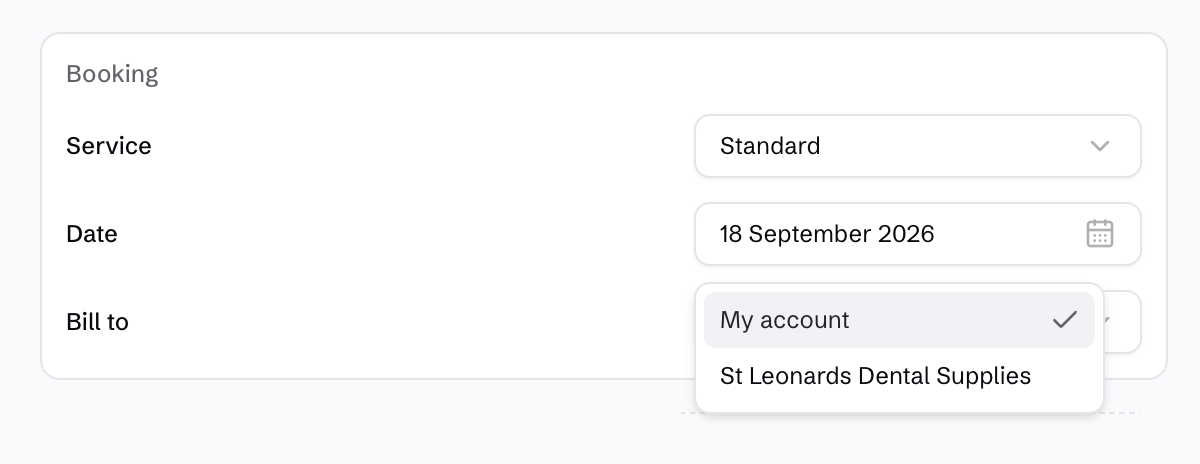
Customers choose the service, addresses and freight in their portal. They can bill their own account, or select another account that has authorised them to charge it.
Manage that permission against the paying customer’s account. Withdraw it to stop new bookings against that account; freight already moving retains its original billing detail.
Let customers check the invoice detail.
Customers can see their account’s outstanding invoices and open the freight detail behind each bill. The invoice brings together consignment numbers, references, delivery dates and charges.
They can download the invoice PDF or expand a consignment’s pricing breakdown when they need to understand a charge.
See the office billing workflow →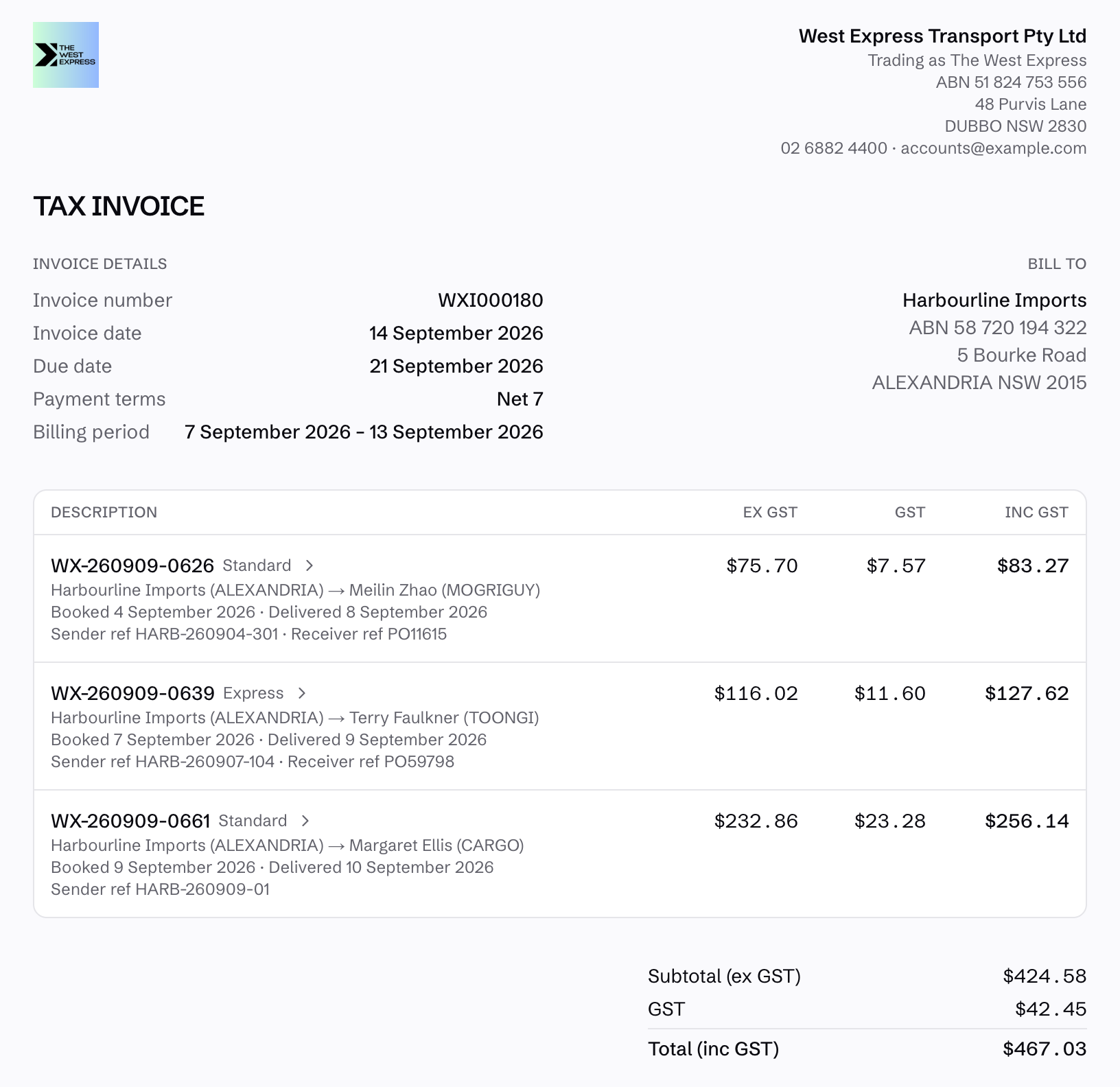
Tracking for people who only need an update.
A tracking link is useful when somebody only needs the delivery detail. They can see the consignment’s movement history and signed proof of delivery without signing into a customer account.
See customer tracking →