Start with the work still waiting.
See the pickup and sort queue alongside the freight assigned to your runs. Each card shows the next activity, item count and weight. Open it to check the consignment.
Choose the depot and day you are planning. Filter the board to focus on the work your team needs to get through.
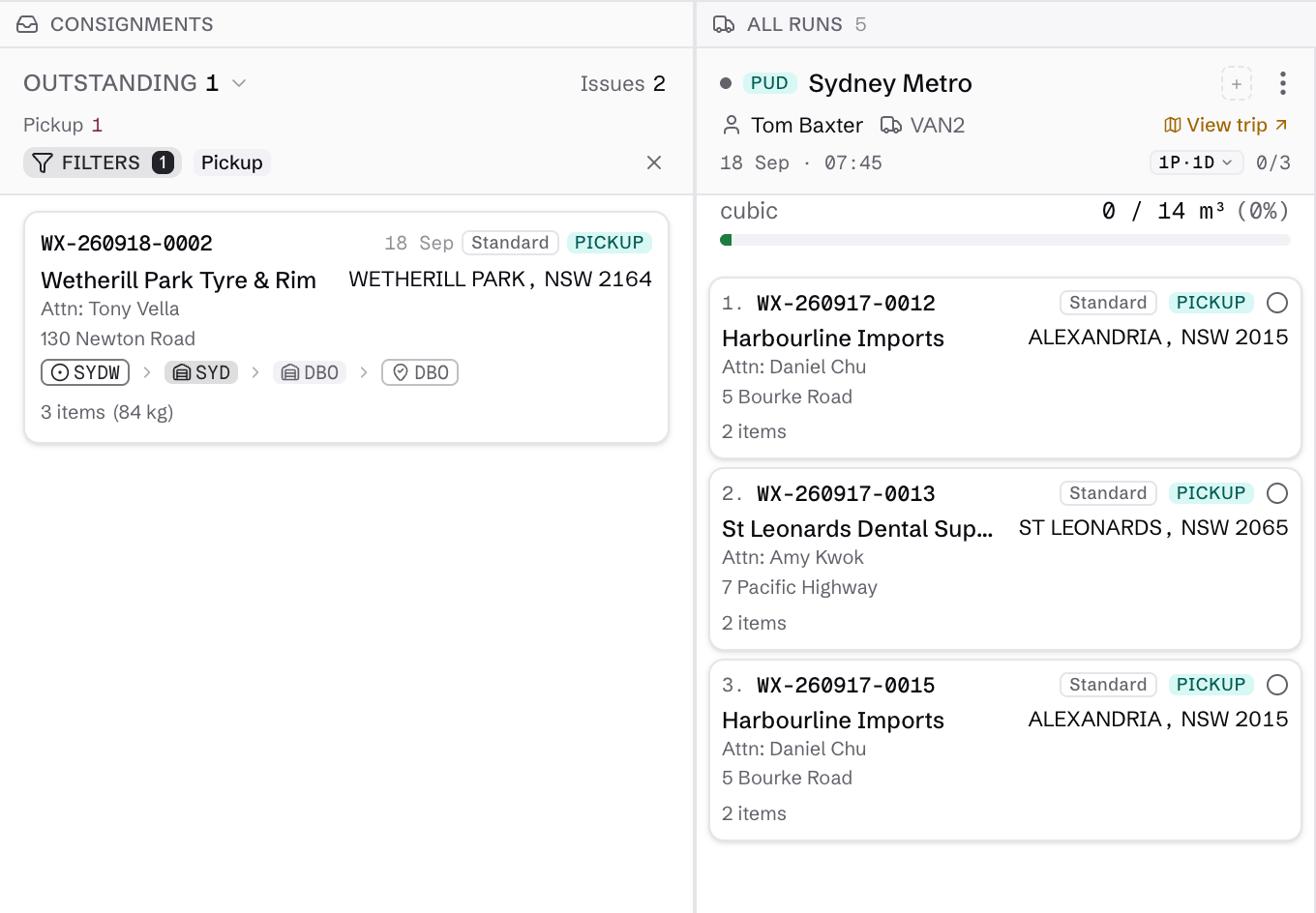
Keep the load and the journey in view.
A run groups the work. A trip brings it together with the driver and vehicle carrying it. Switch between Runs and Trips, then open the trip to review its stops and progress.
Local pickup and delivery work sits alongside depot-to-depot linehaul. See what is waiting, underway or finished without piecing together separate updates.
See the trip in the field →Explore linehaul operations →Find the detail behind an issue.
Switch to Issues when freight needs attention. Open the consignment to check its route and scan history before deciding what happens next.
Missorts and off-route scans give dispatch a reason to investigate. Check the route and resolve the exception while keeping the history with the freight.
Explore the consignment record →